
Dedicated vault tools for every confidential workflow
Explore the full suite of private tools built into DryVault. Every module is powered by authenticated AES-256 encryption, local device storage, and native Android privacy controls.
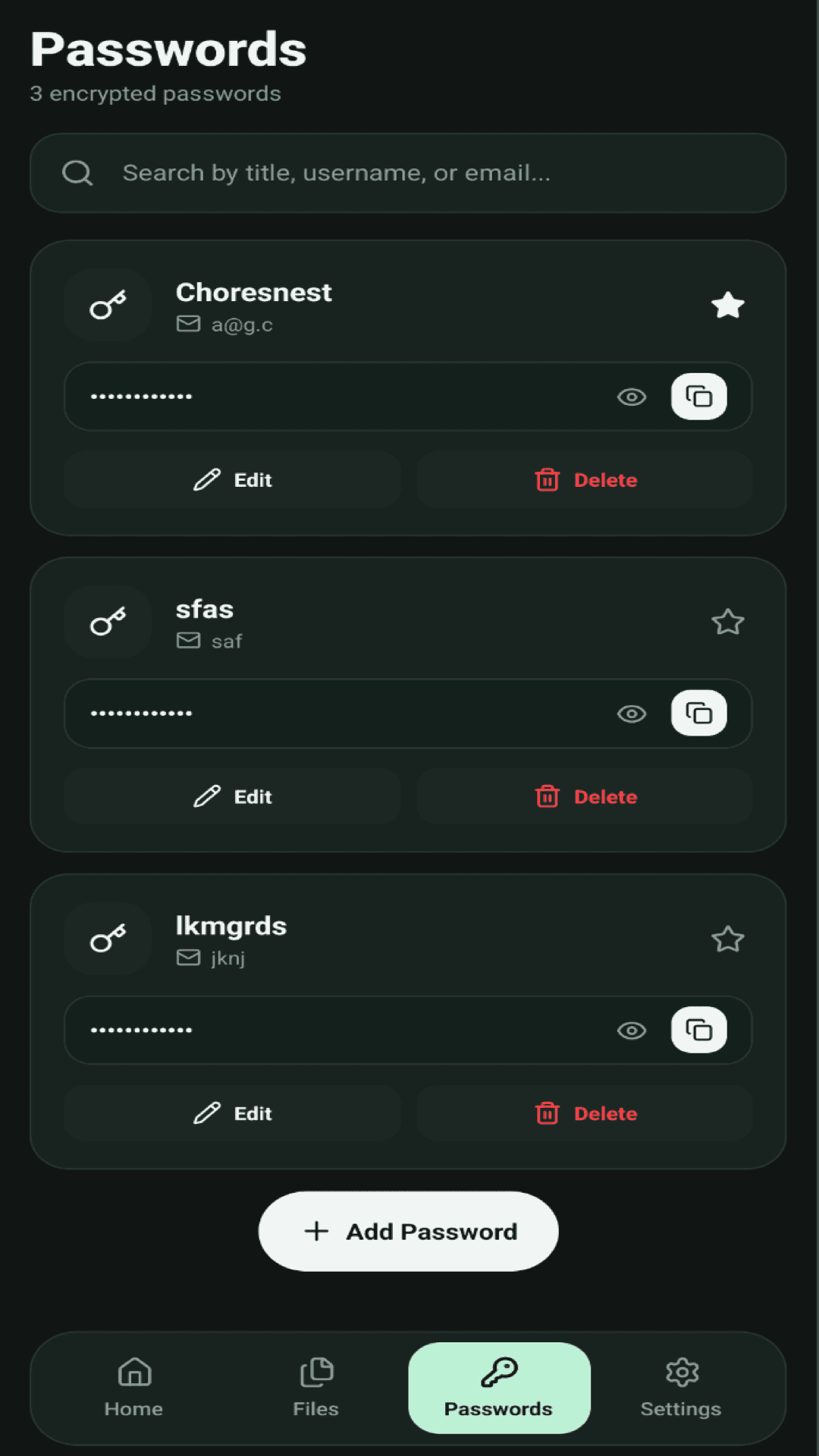
Encrypted Password Manager
Manage all your website and app logins securely on your device. Every credential is encrypted with authenticated AES-256-GCM before writing to storage.
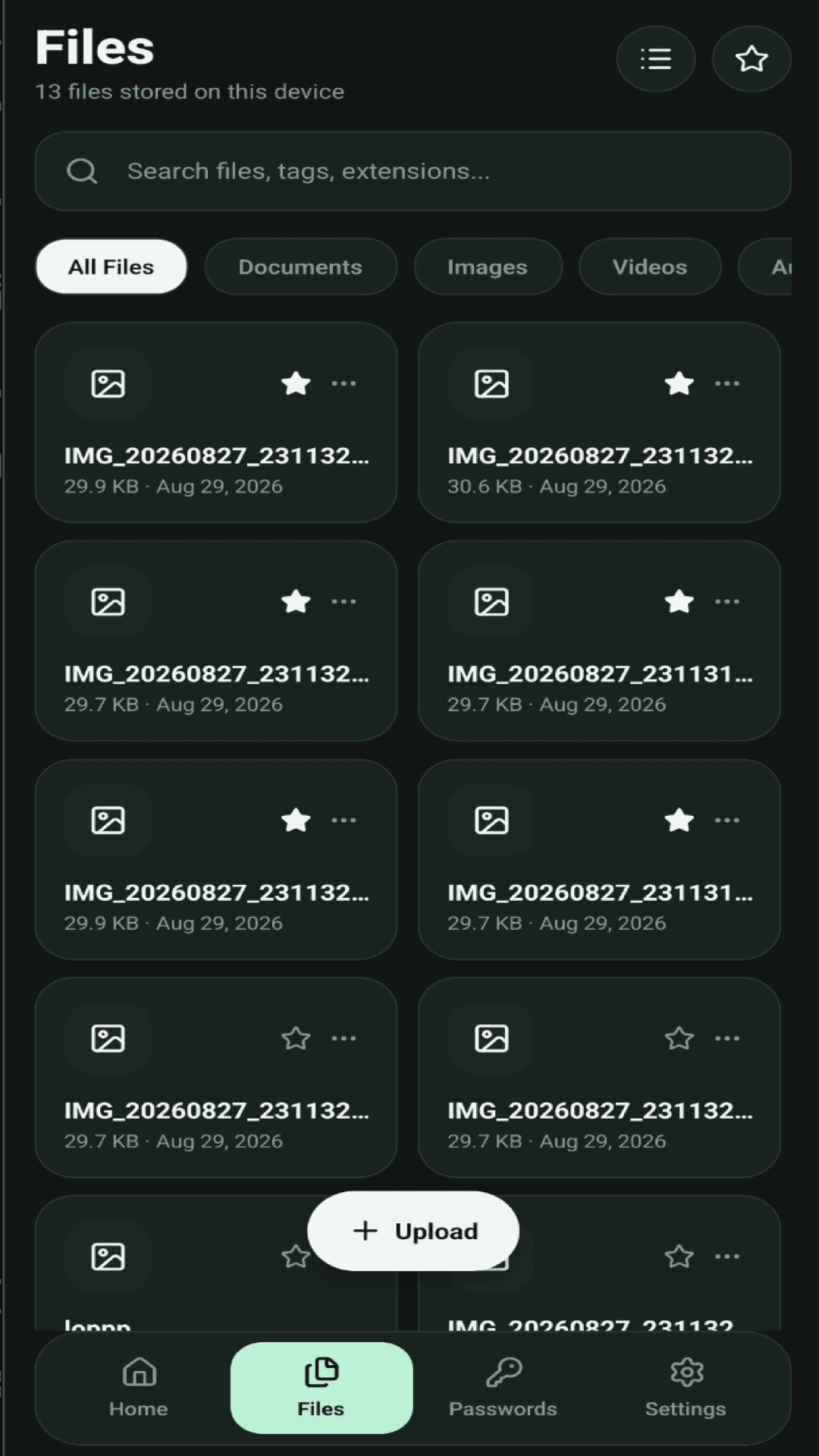
Private Files and Media Locker
Lock sensitive identity cards, tax documents, receipts, private photos, and videos behind military-grade encryption. Files are kept hidden from external gallery apps.
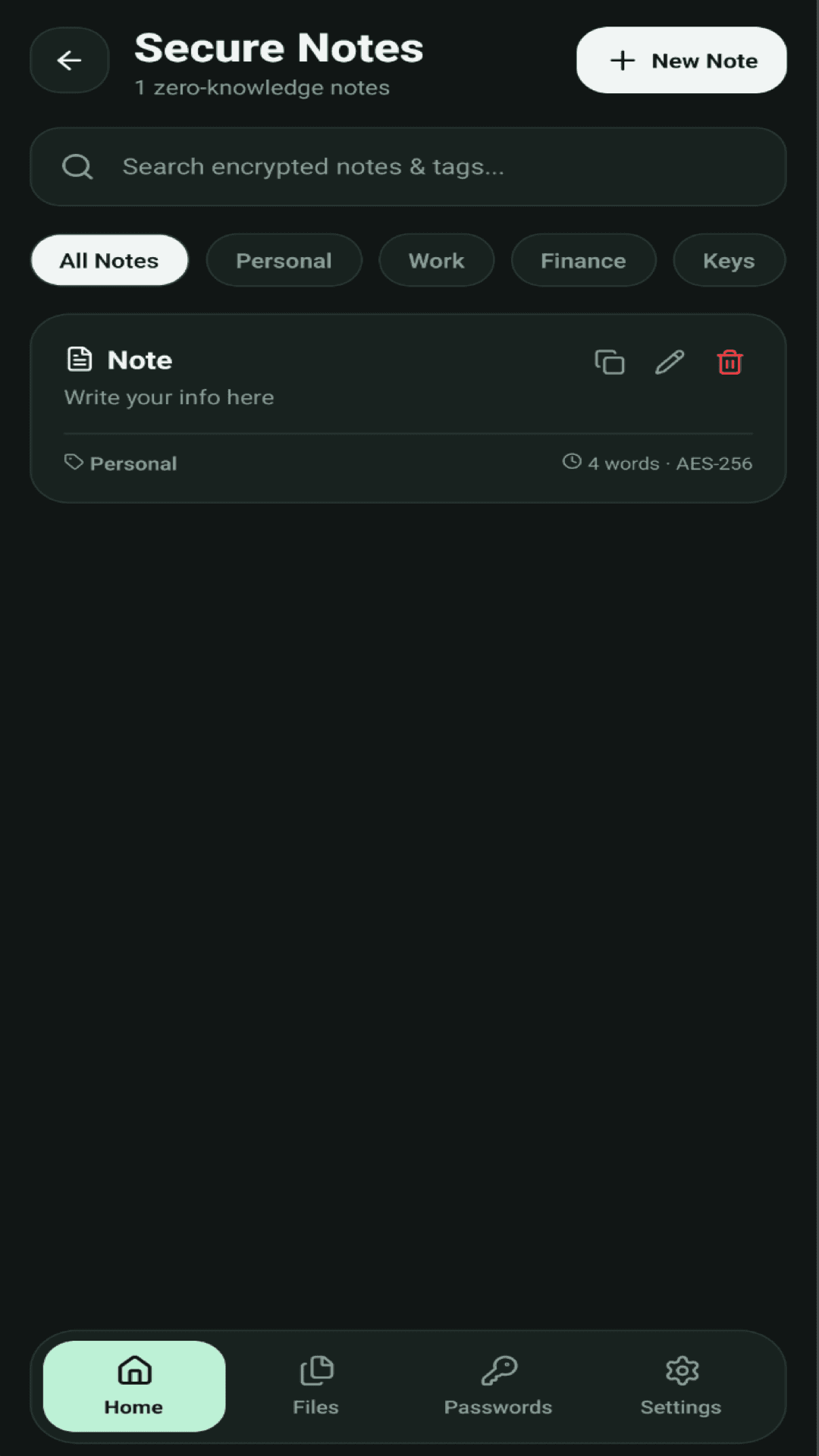
Zero-Knowledge Secure Notes
Keep recovery phrases, backup seed keys, financial notes, and private thoughts safely organized with custom category tags.
Android Autofill Framework
Seamlessly fill credentials directly in Chrome and native Android apps without copying and pasting passwords manually.
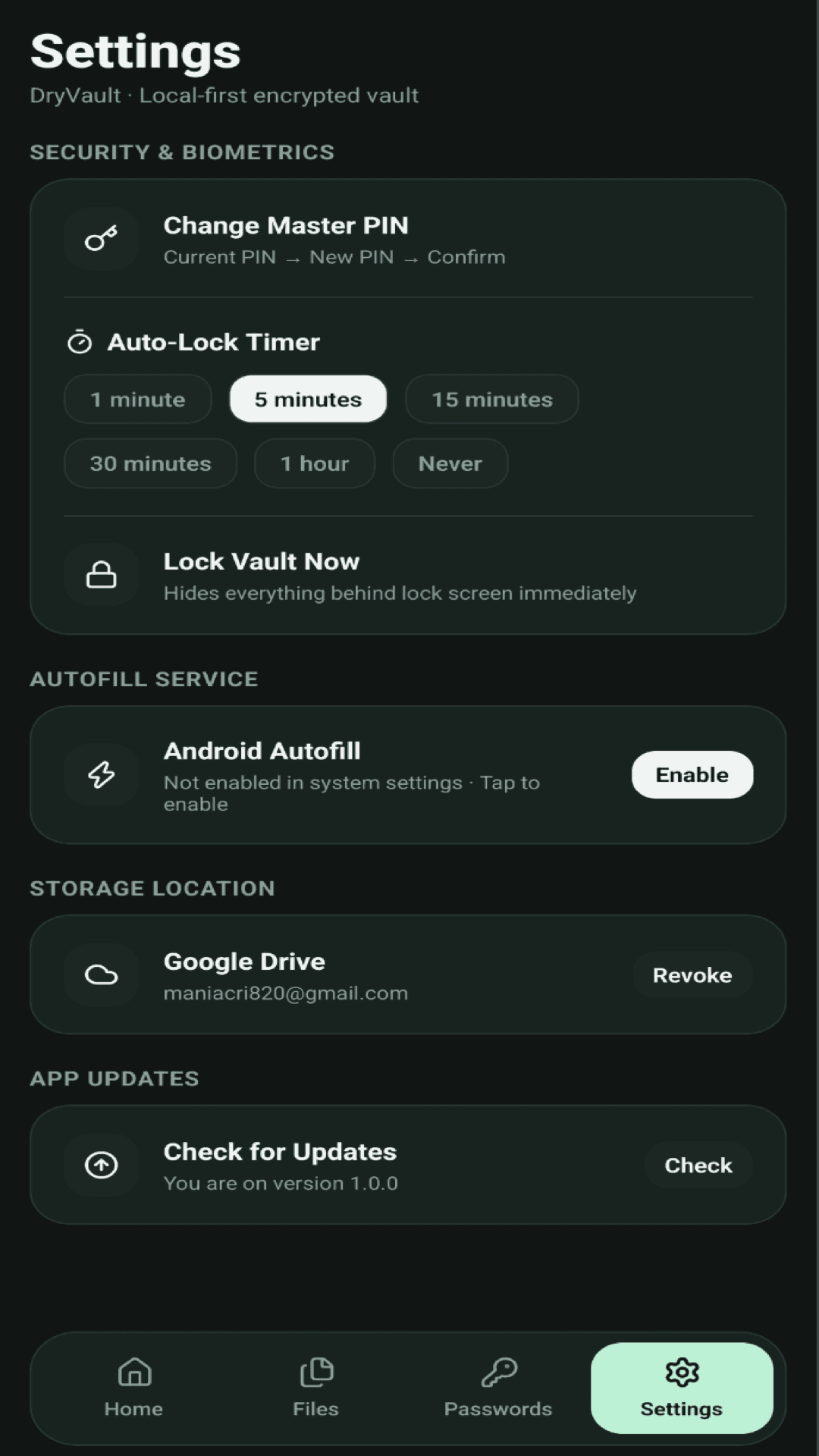
Auto-Lock Timers & Memory Hygiene
Control how quickly your vault locks when you step away. When the vault locks or the app is minimized, encryption keys are wiped from memory immediately.
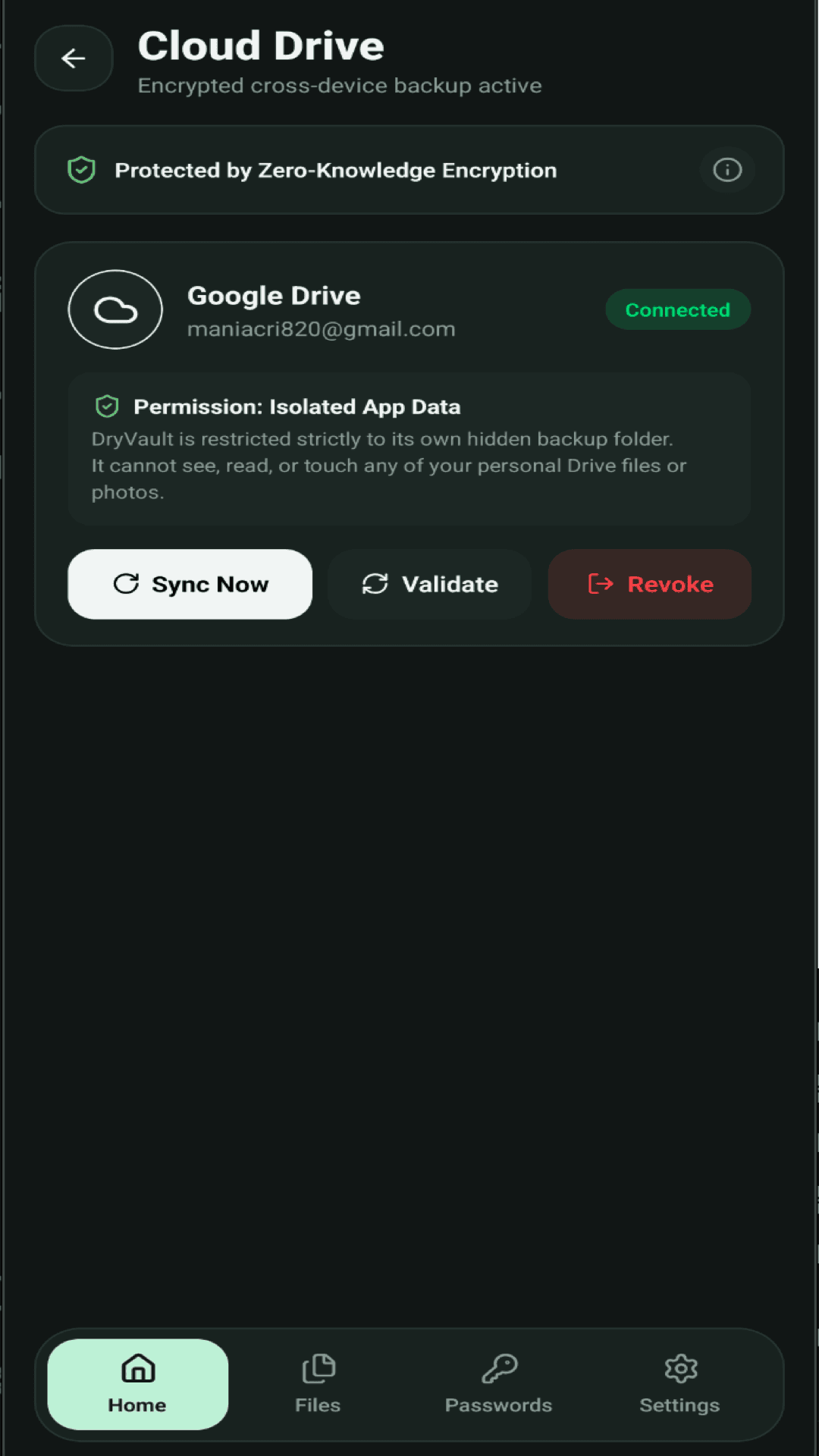
Isolated Google Drive Cloud Sync
For disaster recovery and cross-device access, backup directly to your personal Google Drive account. DryVault is restricted strictly to its hidden app folder.
Experience DryVault on your Android device
Complete zero-knowledge protection for your passwords, notes, and files. Version 1.0.4 available on Google Play.